CBS News - Live Breaking News8.5.0-1778611338
Publisher Description
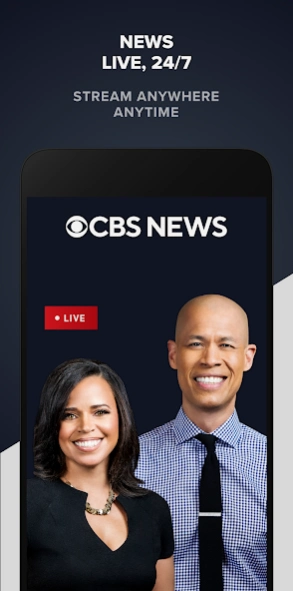

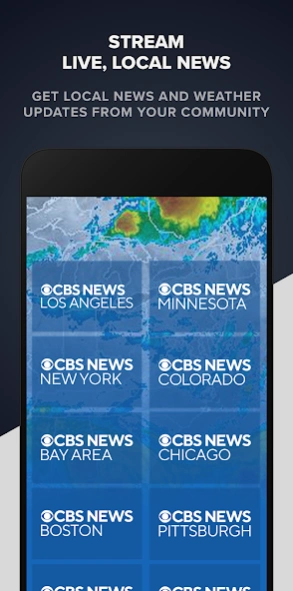

Watch the CBS News 24/7 live stream for breaking news & in-depth reporting.
CBS News is your trusted source for breaking news and in-depth reporting on the issues shaping your world.
The CBS News app features:
- The 24/7 CBS News live stream with anchored coverage, up-to-the-minute reporting, and news conferences and hearings on major issues of the day - no cable subscription needed.
- Full episodes and on-demand clips from “60 Minutes,” “48 Hours,” “CBS Mornings,” “CBS Evening News,” “CBS Saturday Morning,” “CBS Sunday Morning” and “Face the Nation.”
- The latest business stories and analysis from MoneyWatch.
- Immersive documentaries that deep-dive into topics driving the global conversation.
---
Please note: This app features Nielsen’s proprietary measurement software which will allow you to contribute to market research, like Nielsen’s TV Ratings. Please visit http://www.nielsen.com/digitalprivacy for more information.
Privacy Policy
https://privacy.paramount.com/policy
California Notice
https://privacy.paramount.com/en/policy#additional-information-us-states
Minors' Privacy Policy
https://privacy.paramount.com/childrens
About CBS News - Live Breaking News
The company that develops CBS News - Live Breaking News is CBS Interactive, Inc.. The latest version released by its developer is 8.5.0-1778611338.
To install CBS News - Live Breaking News on your Android device, just click the green Continue To App button above to start the installation process. The app is listed on our website since 2026-06-10 and was downloaded 21 times. We have already checked if the download link is safe, however for your own protection we recommend that you scan the downloaded app with your antivirus. Your antivirus may detect the CBS News - Live Breaking News as malware as malware if the download link to com.cbsnews.ott is broken.
How to install CBS News - Live Breaking News on your Android device:
- Click on the Continue To App button on our website. This will redirect you to Google Play.
- Once the CBS News - Live Breaking News is shown in the Google Play listing of your Android device, you can start its download and installation. Tap on the Install button located below the search bar and to the right of the app icon.
- A pop-up window with the permissions required by CBS News - Live Breaking News will be shown. Click on Accept to continue the process.
- CBS News - Live Breaking News will be downloaded onto your device, displaying a progress. Once the download completes, the installation will start and you'll get a notification after the installation is finished.
Program Details
System requirements
Download information
Pricing
Version History
version 8.5.0-1778611338
posted on 2026-06-10
Performance improvements
version 8.4.0-1758123512
posted on 2025-09-24
Privacy Update
version 8.3.0-1755793361
posted on 2025-09-03
Support for P+ Essentials
version 8.2.0-1753227857
posted on 2025-07-24
Live Event Transition Update
Android 14 OS Update
Bug fixes
version 8.1.1-1751489594
posted on 2025-07-03
Bug fix
version 8.0.0-1747771970
posted on 2025-05-27
Updated video player and bug fixes.
version 7.2.0-1732304489
posted on 2025-01-15
Design updates and bug fixes
version 7.3.0-1736380863
posted on 2025-01-15
Updates for Live Streams
version 7.1.0-1729618408
posted on 2024-10-29
Privacy update and bug fixes
version 7.0.1-1728072741
posted on 2024-10-08
Bug fixes
